
Safe Public Viewing Checklist: What a No-Login Viewer Should Never Ask For
Use this safety checklist before entering a username: check the domain, avoid password prompts, and keep visible data boundaries clear.
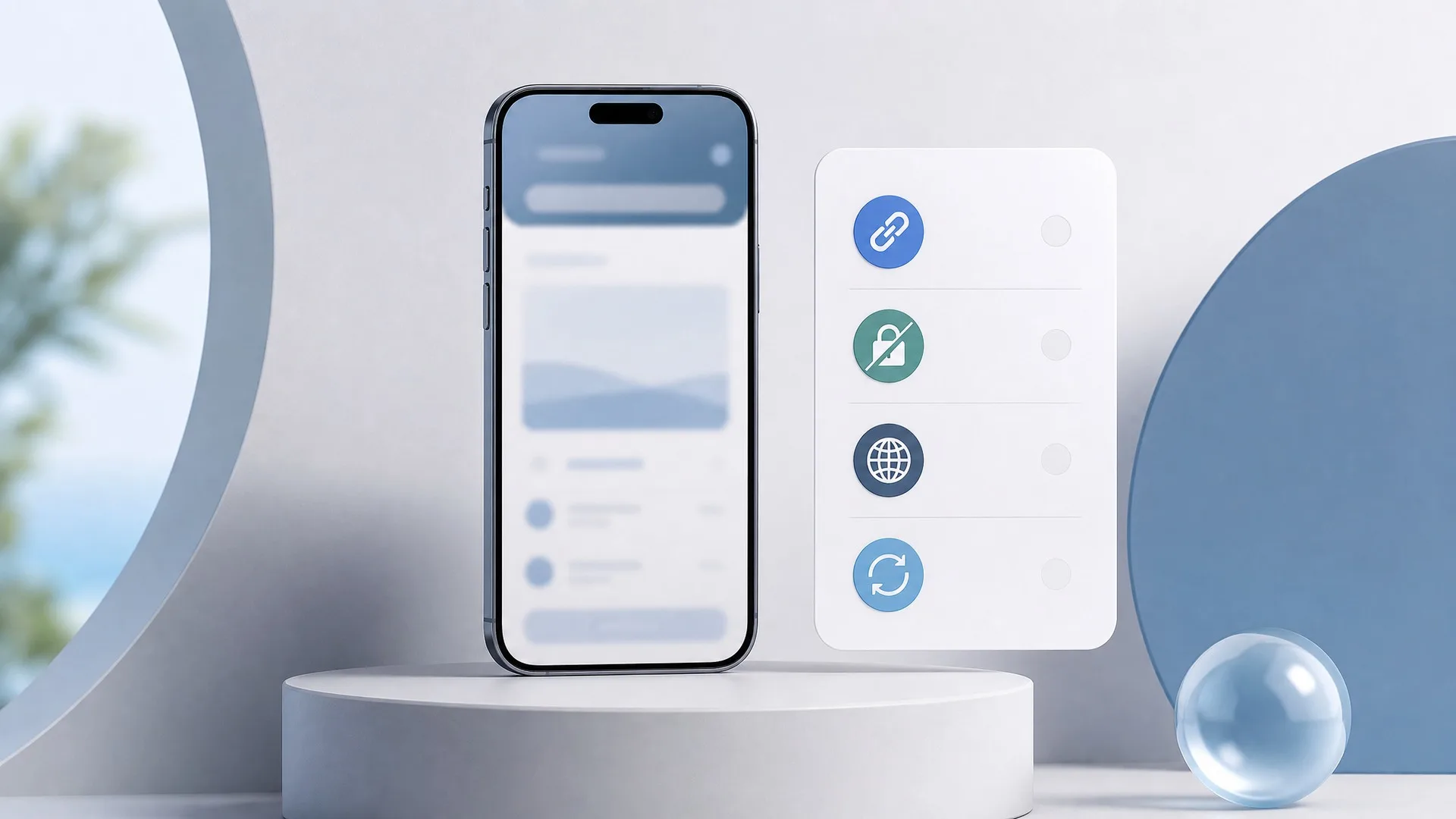
Public viewing should stay narrow: enter a username or public link, inspect the visible public result, and stop where public visibility stops. A safe no-login workflow should never turn into a password prompt, recovery form, or promise to reveal private information.
Use this safety gate before you browse. It separates a practical public-viewing workflow from pages that ask for too much or claim more than a public viewer can show.
Confirm the page only promises public viewing
A trustworthy viewer explains its limit before you depend on the result. It should describe public stories, highlights, posts, profile checks, comments, or public list checks as visible public slices, not private account access.
That distinction matters when a profile, story, comment thread, or list does not appear. A viewer cannot make private content public, recover expired stories, expose deleted threads, or reveal hidden activity. If a page promises those outcomes, the problem is the promise, not your search.
Before entering anything, read one sentence of the page copy and ask whether the limitation is as clear as the benefit. If the limit is missing, use a safer route or stop.
Check the address before you enter a username
The address bar is part of the workflow, not a technical detail. Copycat pages, old bookmarks, and similar wording can lead you away from the official experience before you notice.
If you meant to use InstaPV, confirm the official domain first. Then check that the page asks only for a username or public link. A public check should not require your account password, recovery code, private session, or unrelated personal details.
The action is simple: domain first, data request second, username last.
Use a 60-second safety gate before browsing
Run this gate when you open a viewer page:
- Domain: the address matches the official site you intended to use.
- Data request: the page asks only for a username or public link.
- Promise: the copy clearly describes visible public results.
- Limit: the page does not claim private, hidden, deleted, expired, or guaranteed access.
- Status: a blank or slow result points you to status guidance or a normal retry, not a risky detour.
- Stop rule: if credentials, payment details, or private-access promises appear, leave the page.
This gate takes less than a minute. Its value is preventing the common mistake: treating a failed public result as permission to trust a page that overpromises.
Treat results as snapshots, not complete histories
A public result can help you answer a narrow question, but it is still a snapshot. A visible story, highlight, post, comment thread, like signal, or public list may be partial or unavailable by the time you check.
Write conclusions with that scope in mind. Use phrases such as "the visible result suggests" or "this public view appears to show." Avoid claims that a public viewer proves exact history, hidden activity, or complete audience behavior.
If the visible result is enough for your decision, record it. If it is not, choose another public signal from the same workflow or stop.
FAQ
Should a no-login viewer ask for my password?
No. A viewer for public data should not need your password or recovery details.
Can a public viewer open private content?
No. The safe boundary is visible public content only.
What should I check before using a viewer?
Check the official domain, the data request, and the visible data limit before entering a username.
What if the result does not load?
Use status guidance or retry later. A temporary error is not a reason to trust a page that promises private access.
Read next
Continue with adjacent articles that support the same public-viewing workflow.
guides
How to Spot a Look-Alike Viewer Site Before You Browse
Before entering a username, check the official domain, the wording around visible results, and red flags that separate a safe viewer from a copycat page.
guides
Why a Public Story or Profile Might Not Load
A calm troubleshooting path for blank public profile or story results: check the input, public status, active content, and service status.
guides
Public Profile Research Checklist for a Fast No-Login Review
Use a short public profile checklist to review bios, posts, highlights, comments, and audience signals without overreading one snapshot.