
Why a Public Story or Profile Might Not Load
A calm troubleshooting path for blank public profile or story results: check the input, public status, active content, and service status.
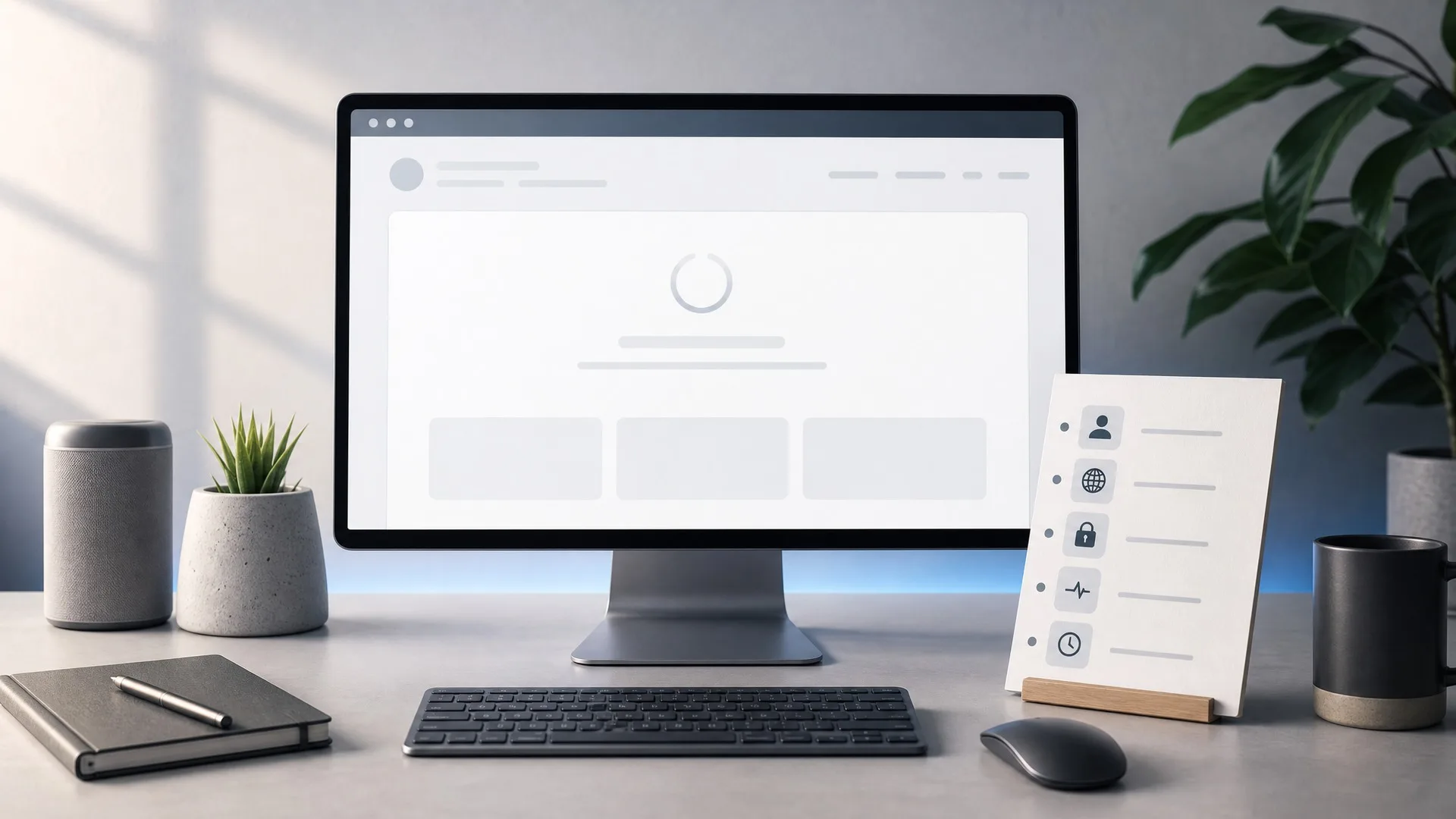
A blank result is a troubleshooting signal, not proof that a viewer is broken or that content is hidden. The usual causes are simpler: the input is wrong, the profile is not publicly visible, the specific content is no longer active, the service is under load, or your browser is showing a stale state.
Use this guide before changing tools. It keeps a no-login check inside the public boundaries described in the public viewer workflow.
Treat a blank result as input, visibility, or status first
Start with the causes you can verify without giving anyone more data. A public viewer can only work with visible public content at the moment of the check, so the first question is whether the request is clean and currently viewable.
Check for a mistyped username, an old handle, tracking text in a copied link, or extra characters at the end of the URL. Then confirm that the profile and the specific story, post, comment thread, or list are publicly available now.
If those basics pass, the next likely cause is service or browser state. Use status guidance or a clean retry before assuming another page can show more.
Clean the handle before changing the source
The fastest fix is often the username itself. Handles are easy to misread when they contain dots, underscores, repeated letters, or similar-looking brand names.
Use this input check:
- Remove spaces before and after the username.
- If you pasted a full link, try the clean handle only.
- Remove tracking text, query strings, and extra copied characters.
- Re-type dots, underscores, and repeated letters slowly.
- Confirm you are on the official viewer page before entering the handle again.
If the cleaned handle still returns blank, move to visibility checks instead of retyping the same bad input.
Separate unavailable content from loading trouble
A blank public result can be legitimate. Private profiles, expired stories, removed posts, disabled comments, hidden likes, and unavailable public lists may produce an empty or partial view. A safe viewer should not ask for credentials to bypass that limit.
Loading trouble looks different. The same public content should be available, the handle is clean, and the page is slow, stuck, or returning an error. In that case, refresh once, check status, wait briefly, and try a clean browser session.
The action changes with the cause: record unavailable public content as unavailable, but retry temporary loading trouble through normal status and browser steps.
Follow the blank-result triage path
Use this order when a profile, story, or public result does not load:
- Input: clean the username or public link.
- Visibility: confirm the profile and requested content are public.
- Active content: remember that stories can expire and posts or comments can be removed or disabled.
- Status: check whether the viewer has a current service issue.
- Browser state: refresh once, then try a clean tab or session if the page seems stuck.
- Stop: leave any site that asks for credentials or promises private, hidden, deleted, or expired content.
This path gives you a decision instead of a loop. If the result is unavailable from the public view, stop or choose another public signal.
FAQ
Why is the result blank?
The most common reasons are a wrong input, no visible public content, a temporary loading issue, or a visible data limit.
Should I try another site immediately?
No. First check the official domain, clean the username or link, and review status guidance.
Can a retry make private content visible?
No. Retry can help with loading problems, not with private-access limits.
What is the safest first fix?
Confirm the username or public link, then reload from the official site.
Read next
Continue with adjacent articles that support the same public-viewing workflow.
guides
Safe Public Viewing Checklist: What a No-Login Viewer Should Never Ask For
Use this safety checklist before entering a username: check the domain, avoid password prompts, and keep visible data boundaries clear.
guides
How to Spot a Look-Alike Viewer Site Before You Browse
Before entering a username, check the official domain, the wording around visible results, and red flags that separate a safe viewer from a copycat page.
guides
How to Audit Saved Highlights on a Public Profile
Saved highlights can reveal profile priorities, offers, FAQs, and proof points. Use this public audit checklist without overclaiming.